
Account and settings
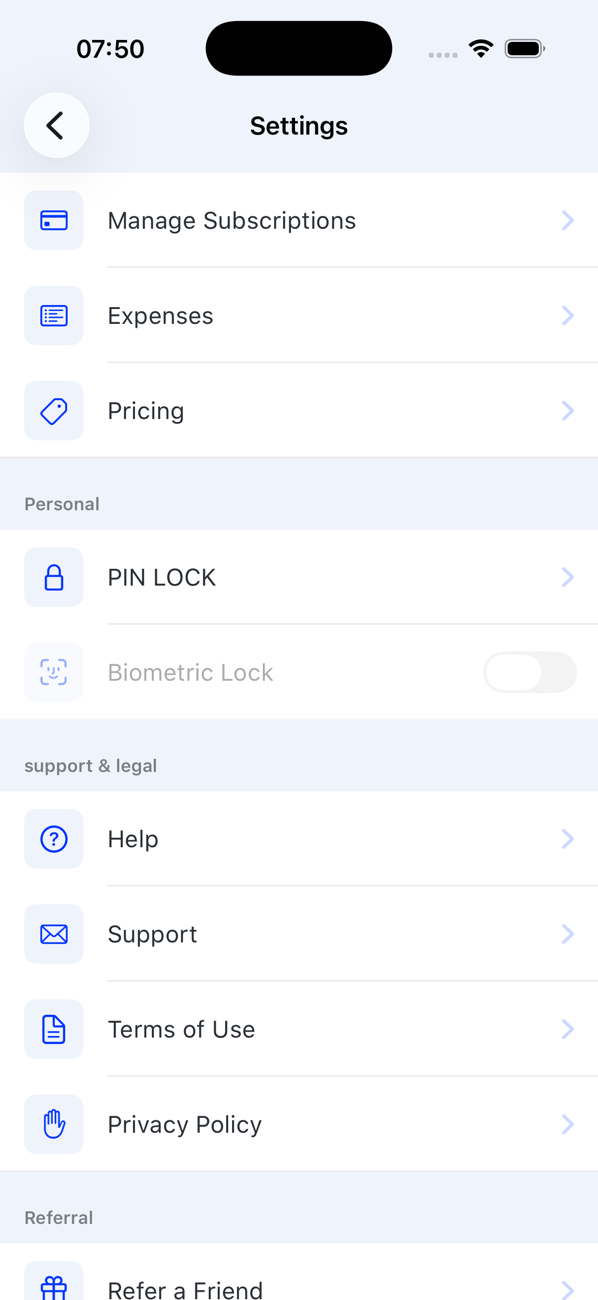
Restore, manage or cancel your subscription
Your subscription belongs to your Apple or Google account. Restore it on a new phone, or change and cancel it in the store.
Before you start
- The Apple or Google account you subscribed with
Steps
1Restore on a new phone
Install Second Phone, sign in with the same account and, on the subscription screen, tap Restore. Your purchase is recognised and your numbers appear on your Profile.
2Change or cancel on iPhone
Open your iPhone's Settings app, tap your name, then Subscriptions → Second Phone. Choose another plan, or Cancel Subscription.
3Change or cancel on Android
Open Google Play, tap your profile picture, then Payments & subscriptions → Subscriptions → Second Phone.
4What happens next
After cancelling, your primary number stays active until the end of the period you have paid for, then shows Expired. You have 30 days to renew before it is released.

Good to know
- Deleting the app does not cancel a subscription; only the store can.
- Refunds are handled by Apple or Google under their policies.