
Account and settings
Use the app in your language
Second Phone is available in 16 languages and follows the language your phone is set to, including right-to-left Arabic.
Before you start
- A phone set to one of the 16 languages
Steps
1The app follows your phone
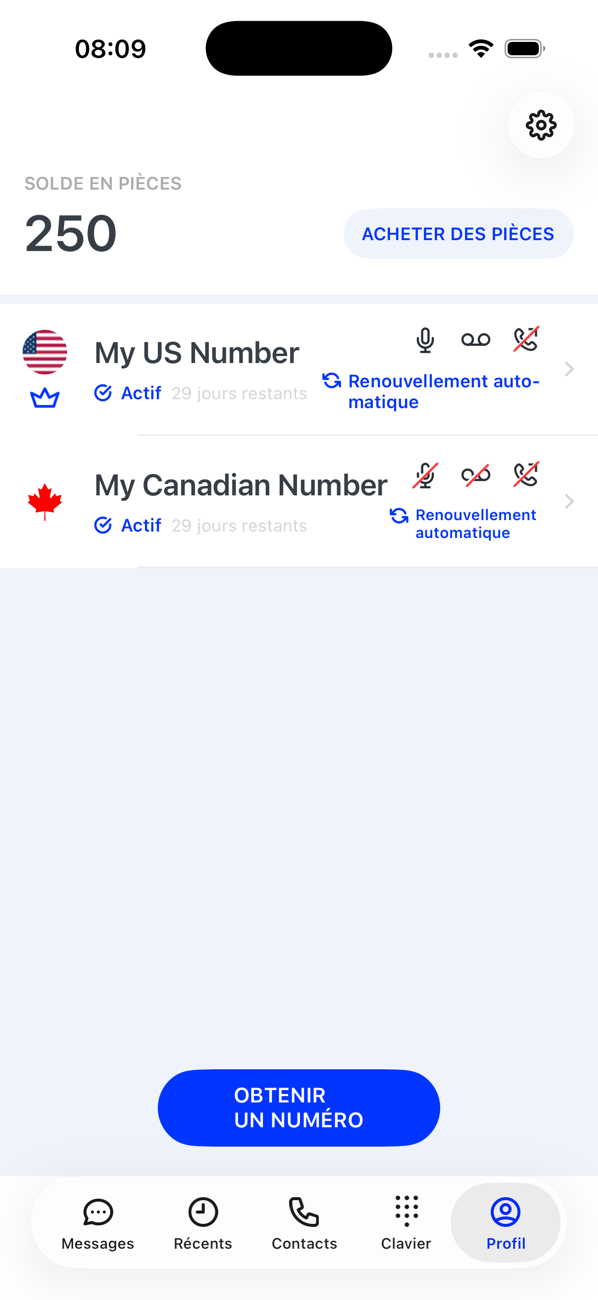
There is no language setting inside Second Phone. It uses your phone's language: English, Arabic, Danish, German, Spanish, Finnish, French, Italian, Japanese, Norwegian Bokmål, Portuguese (Brazil), Portuguese (Portugal), Russian, Swedish, Simplified Chinese or Traditional Chinese.
2Change it on iPhone
Settings → General → Language & Region, then either change the iPhone language or add a preferred language for Second Phone only under Settings → Apps → Second Phone → Language.
3Change it on Android
Settings → System → Languages, or for this app only, Settings → Apps → Second Phone → Language, where supported.
4Right-to-left languages
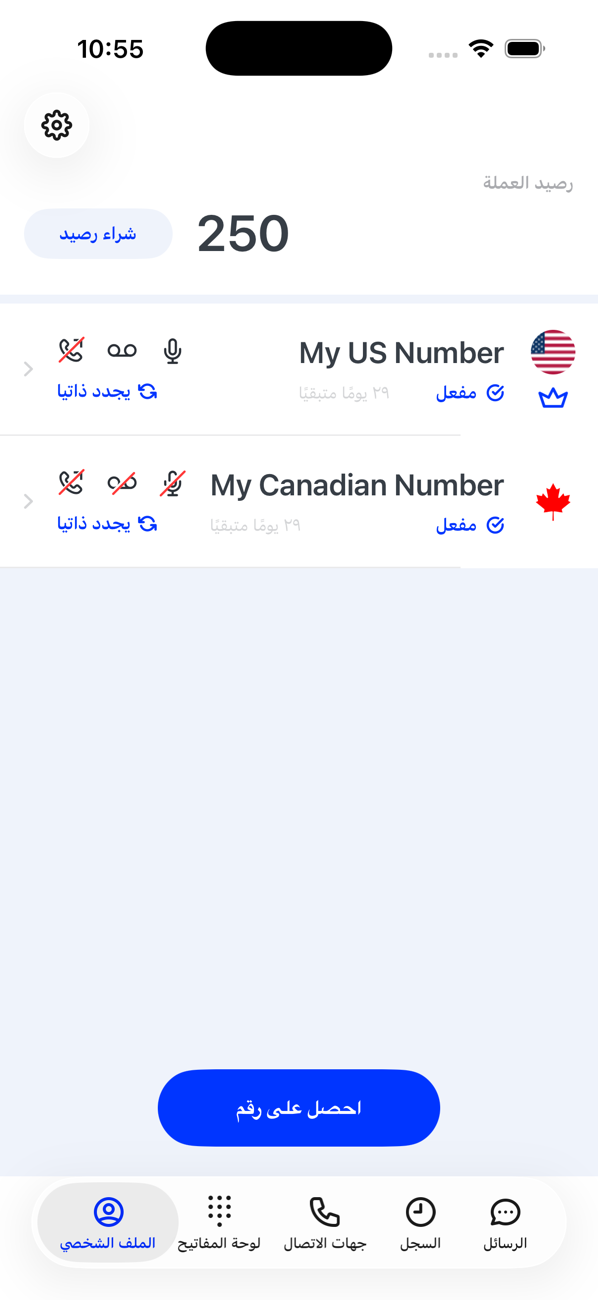
In Arabic the whole app is mirrored, including the tab bar and the number cards. Phone numbers stay in international format so they read the same everywhere.


Good to know
- If your phone is set to a language the app does not have, the app appears in English.
- Dates, times and number formats follow your phone's region setting.