
Troubleshooting
My verification code never arrives
Check the number and country code, wait a minute, then tap Resend Code. Resends are limited, and on iPhone you can sign in with Apple instead.
Before you start
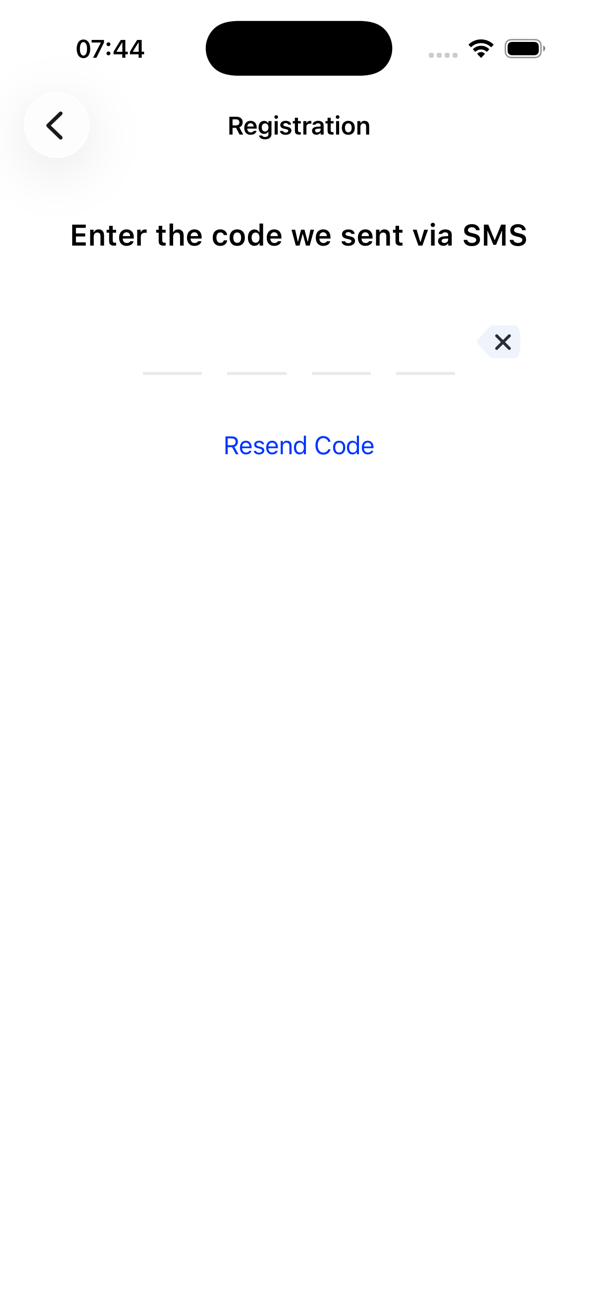
- The Registration screen asking for the code
Steps
1Check the number you entered
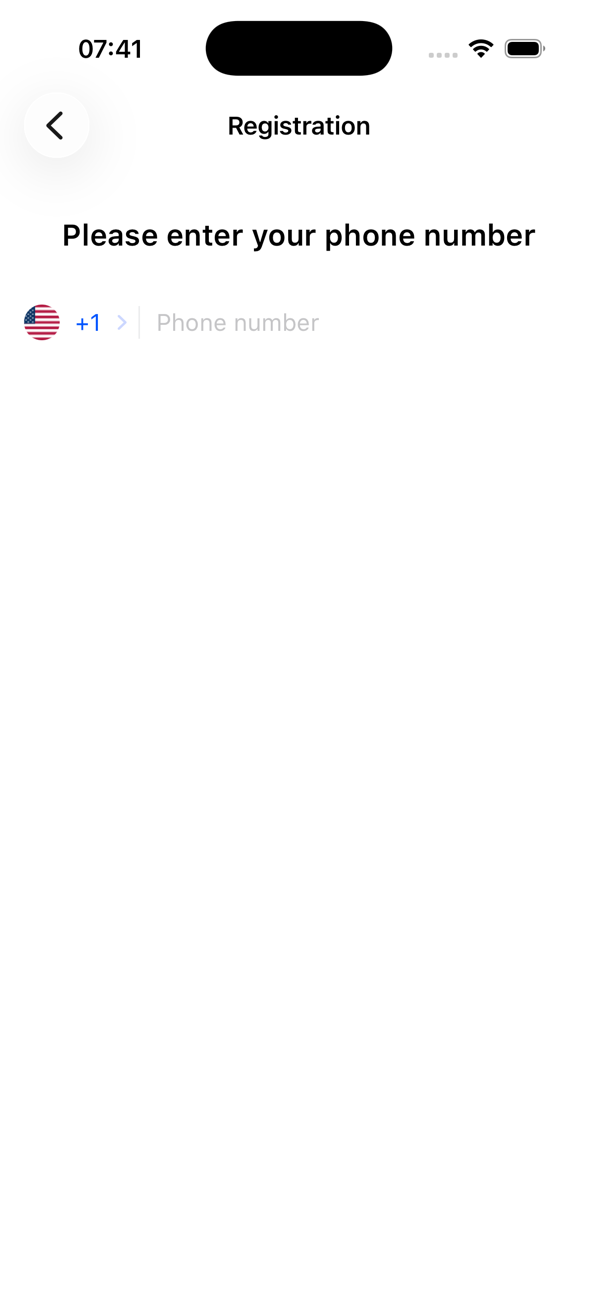
Tap Back and look at the country code and the number. The code is sent to your own mobile number, the one in your phone, not to a Second Phone number.
2Give it a minute, then resend
Texts can take a moment. After a minute tap Resend Code. You can resend three times; then there is a five-minute wait, and after three more, ten minutes.
3Check your phone can receive texts
Make sure the phone has signal, is not in flight mode and is not blocking unknown senders. If you use a second SIM, the code goes to the number you typed.
4Use another way in
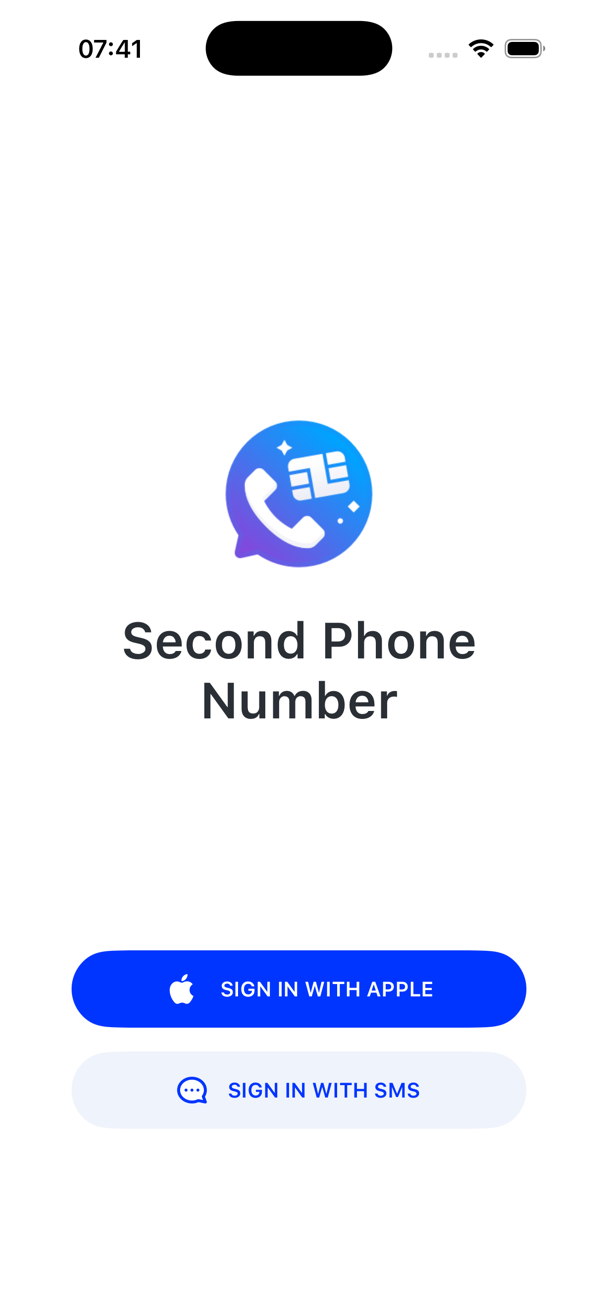
On iPhone tap SIGN IN WITH APPLE instead. On Android sign in with your Google account. If nothing works, contact us with the number you tried.


Good to know
- Entering a wrong code too many times also pauses sign-in for a while; wait and try again with the newest code.