
Troubleshooting
Messages, Keypad or Recents is greyed out
A tab is disabled when none of your numbers can do what it needs: Messages needs SMS, Keypad and Recents need calling, and all of them need at least one active number.
Before you start
- The app open on your Profile
Steps
1No number yet?
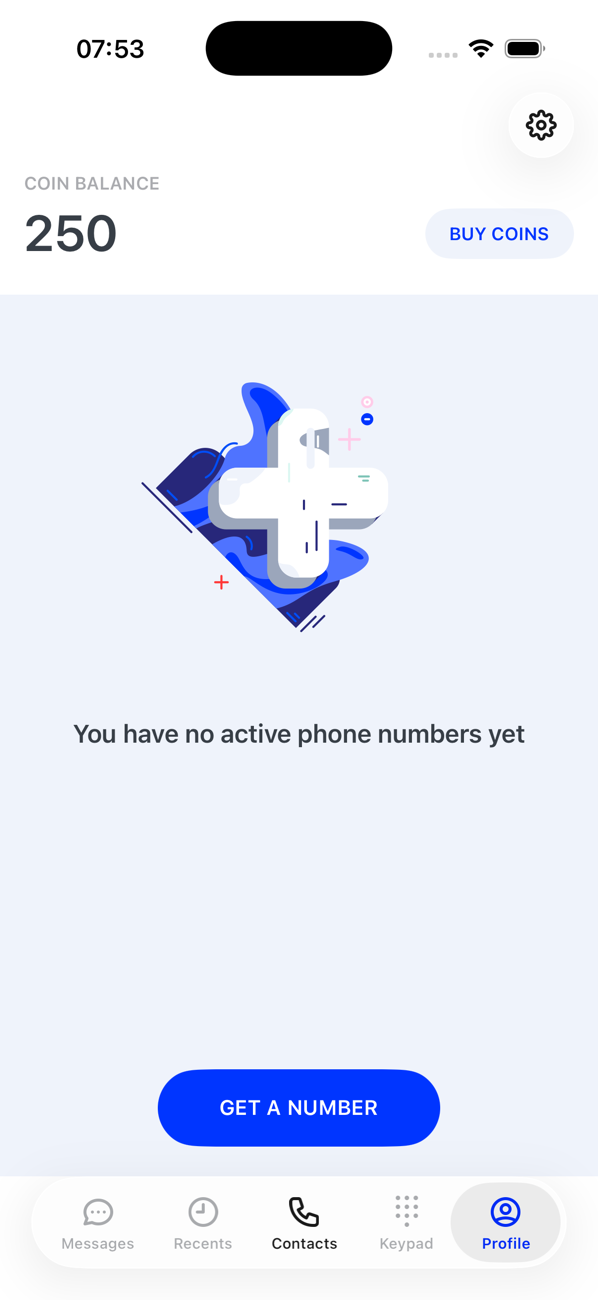
Until you have a number, Messages, Recents and Keypad are disabled and the Profile says You have no active phone numbers yet. Tap GET A NUMBER.
2Check the number's capabilities
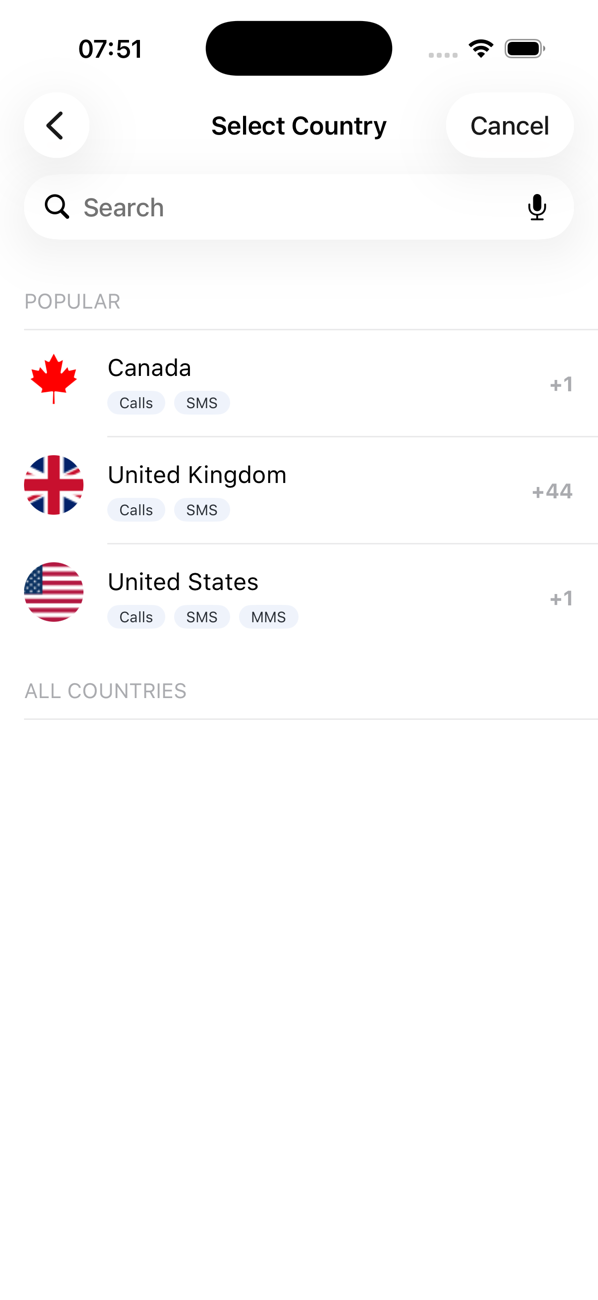
Each number has a set of capabilities shown when you chose it: Calls, SMS, MMS. A voice-only number has no Messages tab; an SMS-only number has no Keypad or Recents. Add a number with the capability you need.
3Check the status
A deactivated, expired or draft number does not count. Activate or renew it from your Profile, or complete its address.
4Pick the right number in the switcher
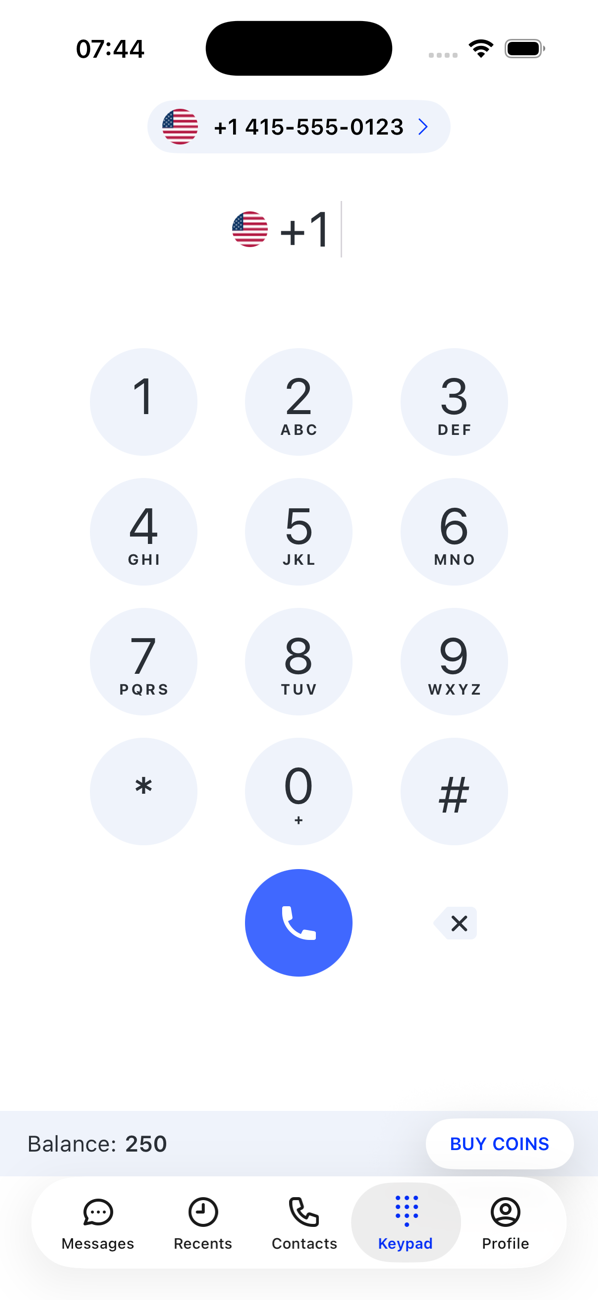
On a working tab, the switcher at the top lists only the numbers that can do that job. If the number you want is missing, it lacks the capability or is not active.


Good to know
- Contacts never greys out: your address book belongs to you, not to a number.