
Recents
Check missed calls, voicemails and recordings
The Recents tab holds your call history per number, with separate tabs for missed calls, voicemails and call recordings.
Before you start
- A number of your own that can make calls
Steps
1Open Recents for a number
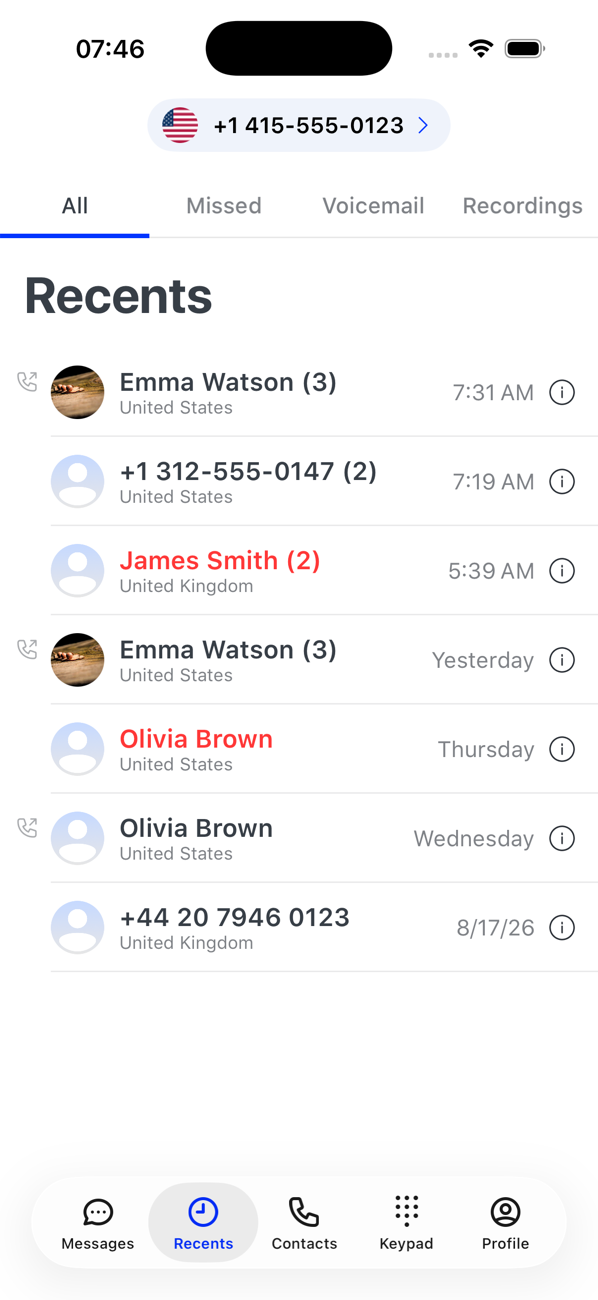
Tap Recents and check the number at the top; tap it to switch. Each number has its own history.
2All and Missed
All lists every call with the contact or number, the country and the time; outgoing calls carry a phone icon. Missed shows only the calls you did not answer. Tap an entry to open the caller's profile and call or message them back.
3Voicemail
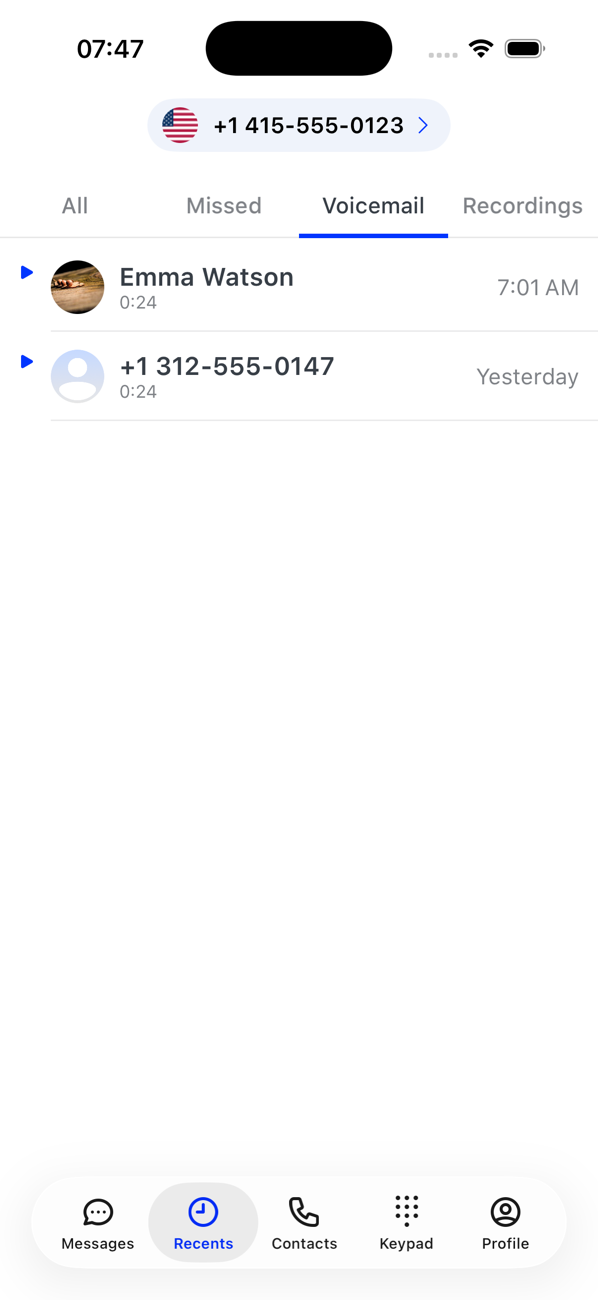
The Voicemail tab lists messages with the caller, the length and when they were left. Tap one to play it. A blue chevron means you have not played it on this device yet; the audio is downloaded the first time.
4Recordings
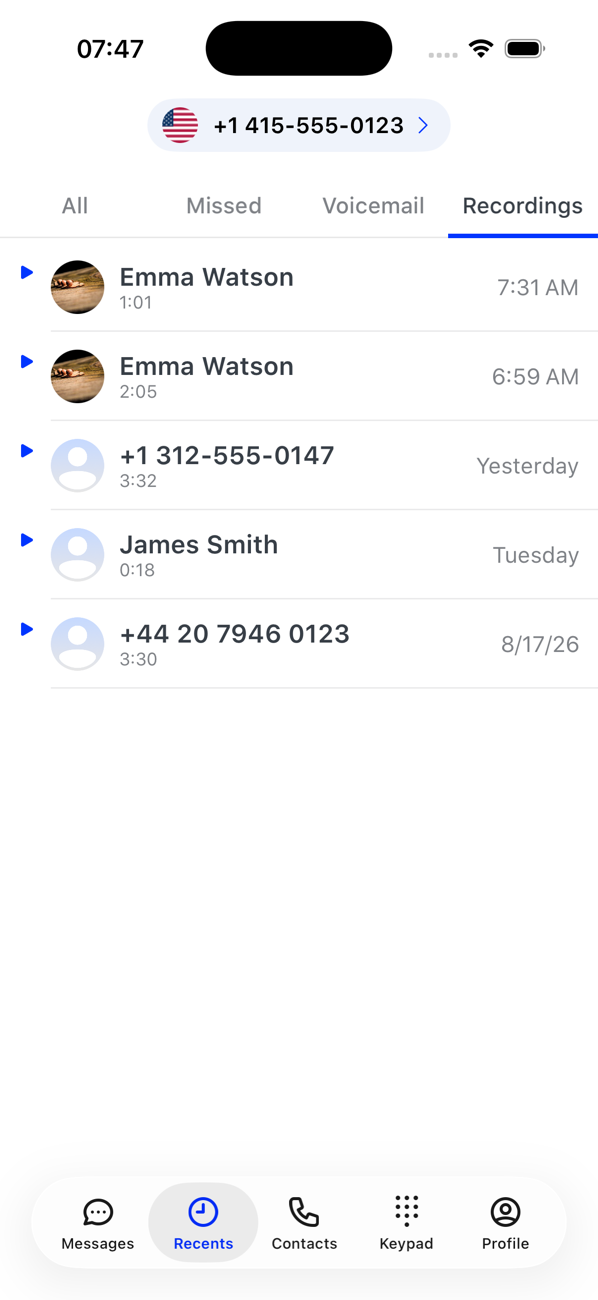
The Recordings tab appears for numbers with call recording on and works the same way: tap to play.
5Tidy up
Swipe left on any entry to delete it.


Good to know
- Missed calls and new voicemails also arrive as notifications, and the number switcher shows a count per number.
- Playing voicemails and recordings does not use coins.