
Messages
Start a conversation and send a message
Message any SMS- or MMS-capable number, or another Second Phone user, from the number you choose.
Before you start
- A number of your own with SMS capability
Steps
1Open Messages and check the number
Tap Messages. The number at the top is the one you will message from; tap it to switch. Only numbers that can send SMS are offered.
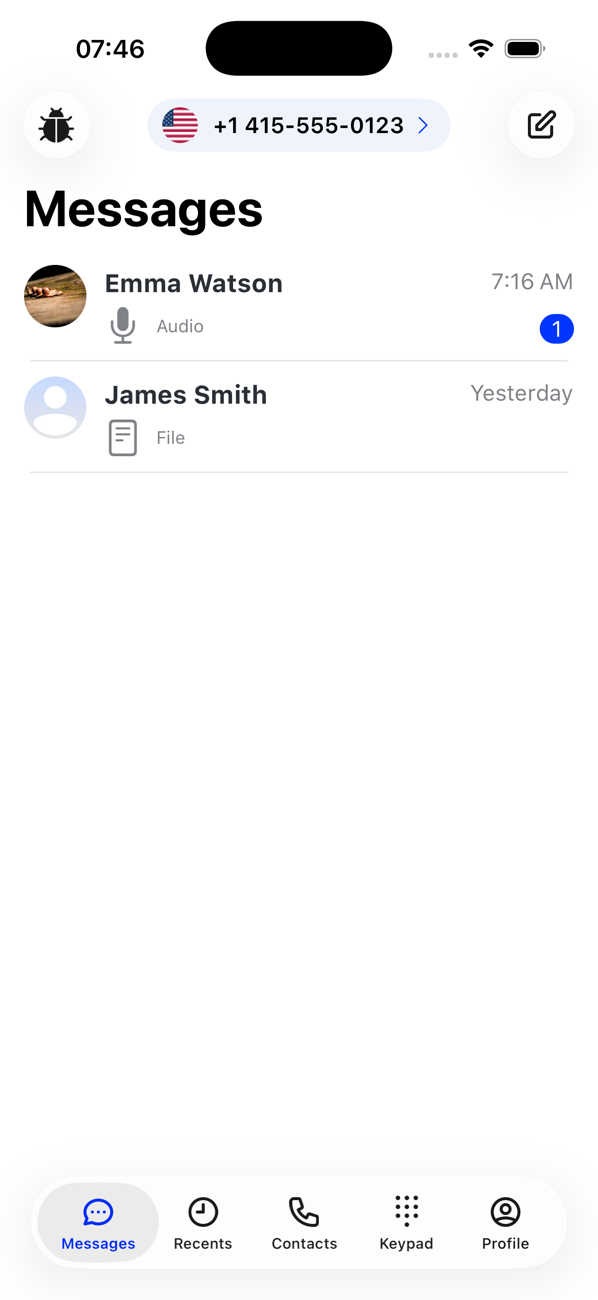
2Start a new conversation
Tap the pencil icon (or Send your first message if the list is empty). In the To: field pick a contact, or choose the country code and type a phone number; the arrow lights up when the number is valid.
3Write and send
Type in the SMS or MMS field and tap send. Each message shows whether it has been sent and then delivered.
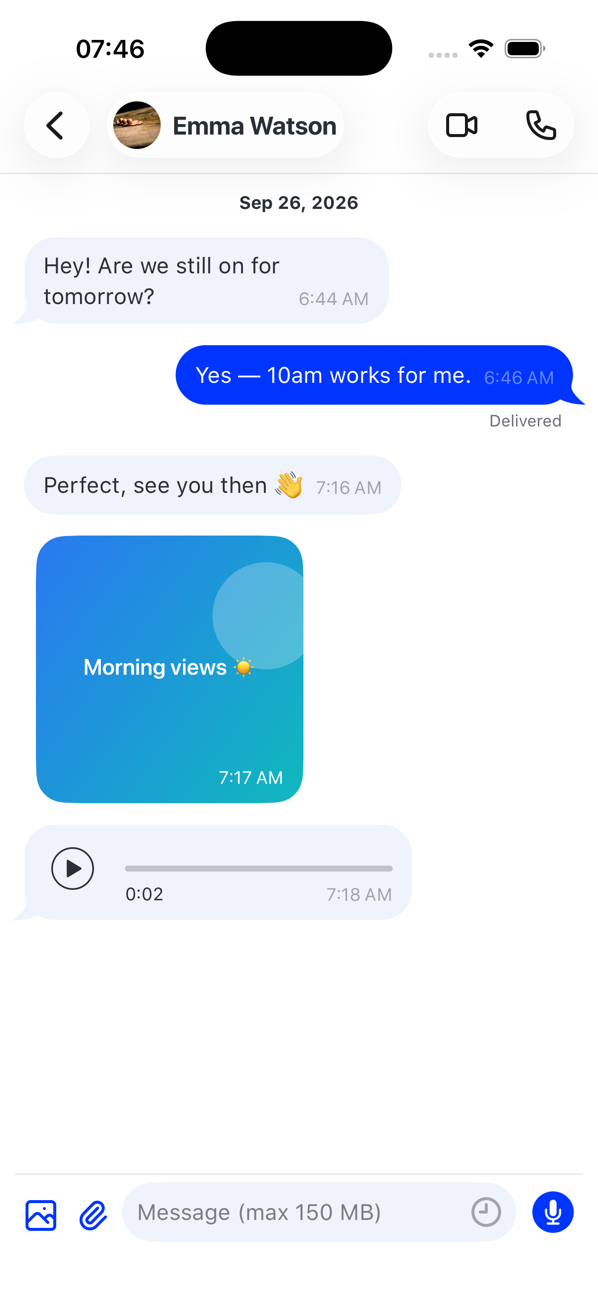
4Replies
Replies appear in the same conversation and as notifications. An unread count shows on the Messages tab and, per number, in the number switcher.


Good to know
- Sending an SMS or MMS uses coins at the rate for the two countries; receiving SMS is free.
- Swipe left on a conversation to delete it; press and hold a message to delete just that message. Deleting only affects your copy.
- You can also message from a contact's profile, or tap a number at the top of a chat to save it as a contact.