
Everyday uses
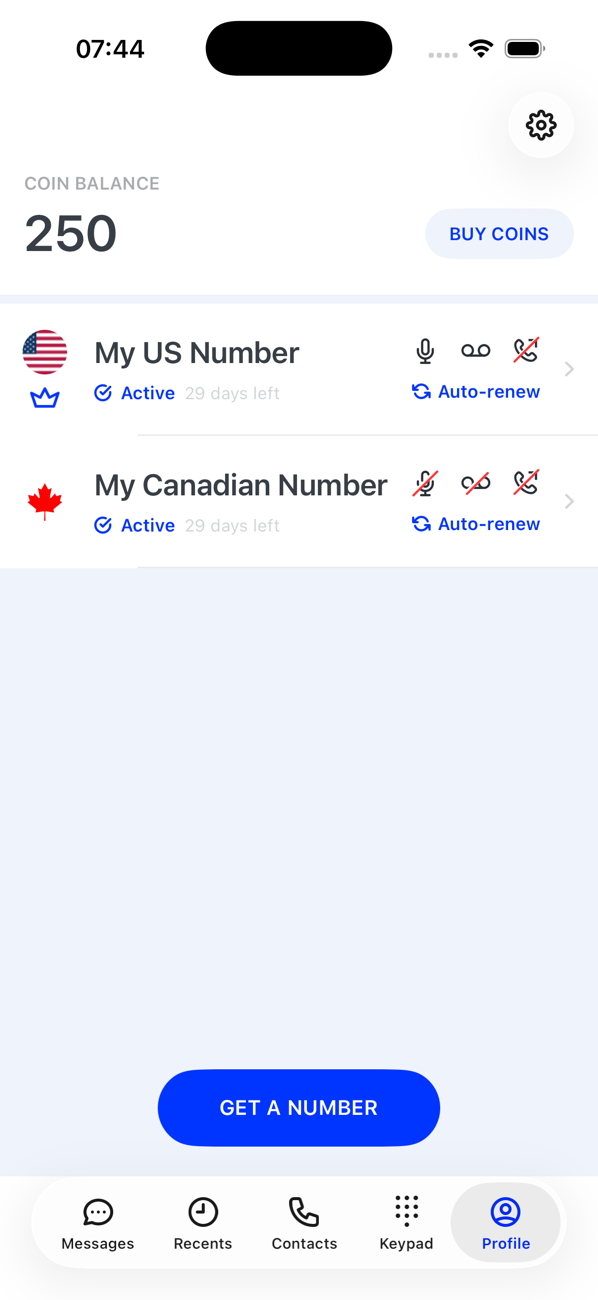
Keep your personal number private
Use a Second Phone number for online marketplaces, deliveries, dating and sign-ups, keep those contacts in the app, and switch the number off or delete it when you are done.
Before you start
- A Second Phone number
Steps
1Give out the Second Phone number
Use it wherever you would rather not share your personal mobile: selling online, booking services, dating, or forms that ask for a phone number. Calls and texts to it arrive in the app; your personal number is never shown.
2Keep those contacts in the app
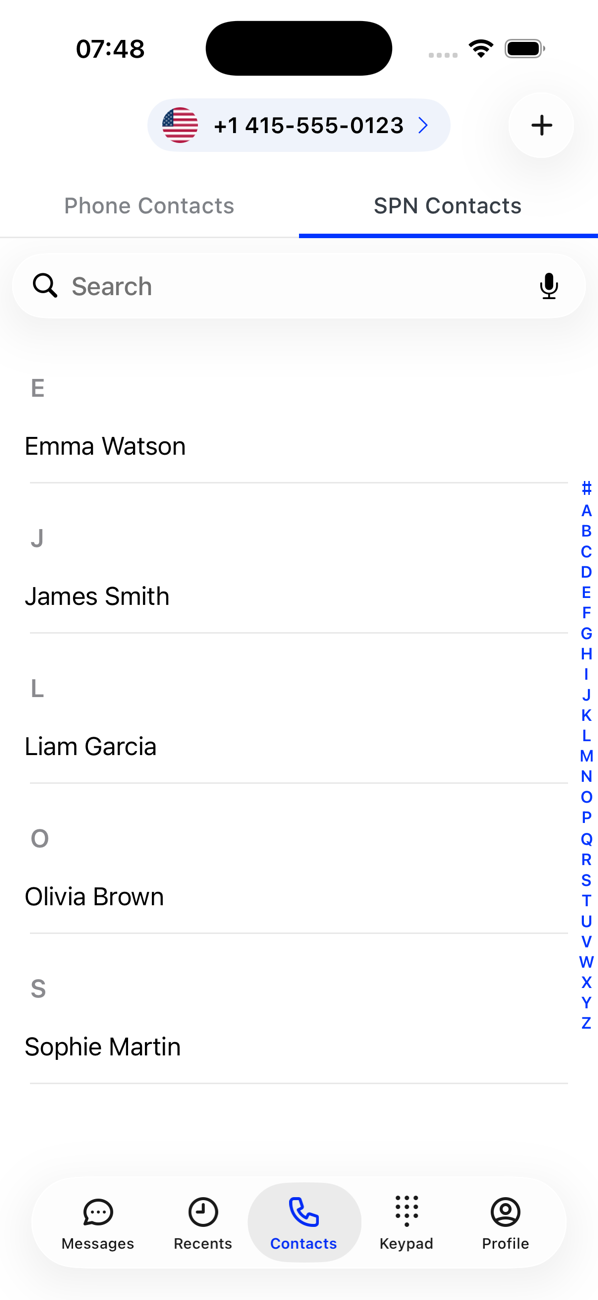
Save the people you meet as SPN Contacts rather than in your phone's address book. They stay inside Second Phone, behind its PIN or biometric lock if you set one.
3Screen calls with voicemail
Switch on Voicemail for the number and set business hours, so unknown callers leave a message outside the times you choose.
4Switch off or move on
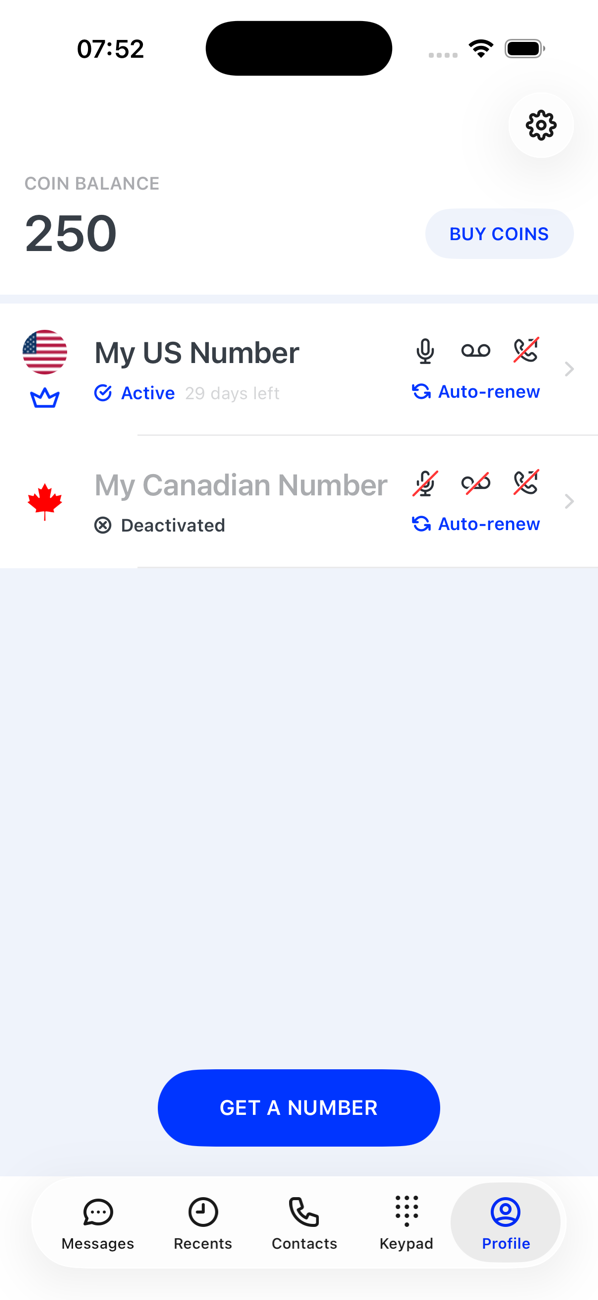
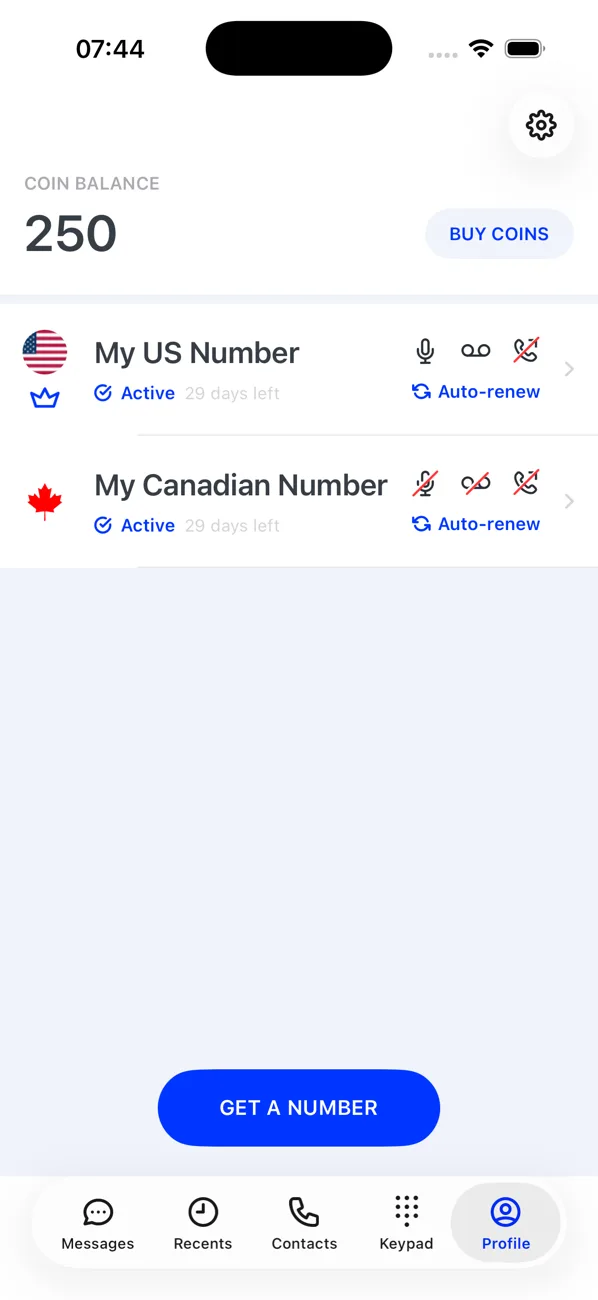
When a sale or a conversation is over, swipe left on the card and Deactivate the number; reactivate it whenever you need it again. If you want a fresh start, delete the number and get another.


Good to know
- Lock the app with a PIN or biometrics so your second life stays private even on a shared phone.
- Numbers in the same country as the people you deal with look local and cost them nothing extra to call.